
Buying a refurbished iPad is an excellent way to save money, but there is one crucial component you need to check immediately upon delivery: the battery health. Unlike the iPhone, Apple does not make it incredibly obvious how to check the battery health on an iPad natively within the settings app.
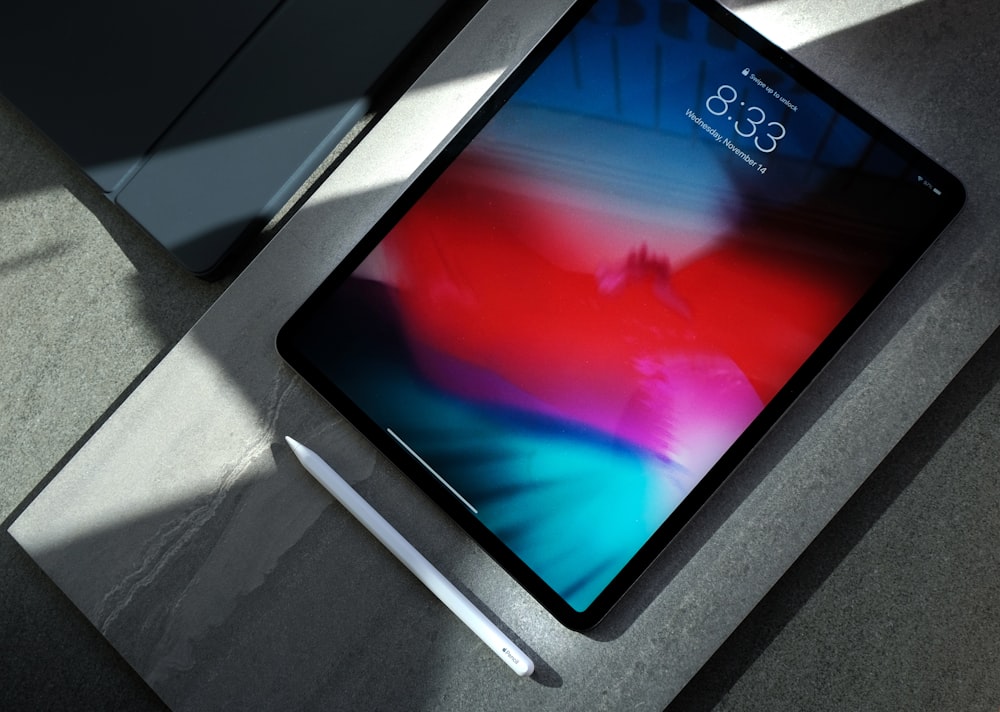
In this guide, we will walk you through the most reliable ways to test the battery health of your newly purchased refurbished iPad in 2026.
Method 1: The iPad Analytics Method (No PC Required)
While Apple hides the simple “Battery Health” percentage on iPads, the data still exists in your privacy logs.
1. Go to Settings > Privacy & Security > Analytics & Improvements.
2. Ensure Share iPad Analytics is turned on. (If it wasn’t on, you will need to turn it on and wait 24-48 hours for a log to generate).
3. Tap on Analytics Data.
4. Scroll down and look for a file that begins with `Analytics-` followed by the date.
5. Open the file, copy all the text, and paste it into a notes app. Search for the term `MaximumCapacityPercent`. The number next to it is your battery health!
Method 2: Using CoconutBattery (Mac Required)
If you have a Mac, this is the fastest and most accurate method.
1. Download and install coconutBattery on your Mac (it’s free).
2. Connect your refurbished iPad to your Mac using a USB-C or Lightning cable.
3. Open coconutBattery and click on the iOS Device tab at the top.
4. Look at the Design Capacity bar. This percentage represents your current battery health compared to when it was brand new.
Pro tip: Also look at the “Cycle Count”. A refurbished iPad should ideally have fewer than 200 cycles.
Method 3: Using 3uTools (Windows Required)
For Windows users, 3uTools is the standard utility for checking iOS device hardware.
1. Download and install 3uTools on your PC.
2. Connect your iPad and trust the computer.
3. On the 3uTools dashboard, you will instantly see Battery Life and Charge Times (cycle count) on the right side of the screen.
What Is an Acceptable Battery Health?
If you purchased a Certified Refurbished iPad, the battery health should be at least 80%. If it is lower than 80%, or if the cycle count is over 500, you should immediately request a replacement or return from the seller under their warranty policy.
- 🌟 95% – 100%: Practically brand new
- ✅ 85% – 94%: Excellent condition (standard for refurbished)
- ⚠️ 80% – 84%: Acceptable, but will degrade sooner
- ❌ Below 80%: Return it immediately!